


5 Steps to Launch iTest in Your University (Without Disrupting Exams)
Introduction
Online exams are becoming the norm in higher education, offering flexibility and scalability. However, implementing a robust online examination system like iTest can seem daunting, especially when institutions want to avoid disruptions to ongoing assessments. The good news? Launching iTest is simpler than you think! With careful planning and execution, universities can seamlessly integrate this cutting-edge solution into their existing systems while maintaining academic integrity.
In this blog post, we’ll walk you through the five essential steps to implement iTest in your university without disrupting exams or compromising student experience.
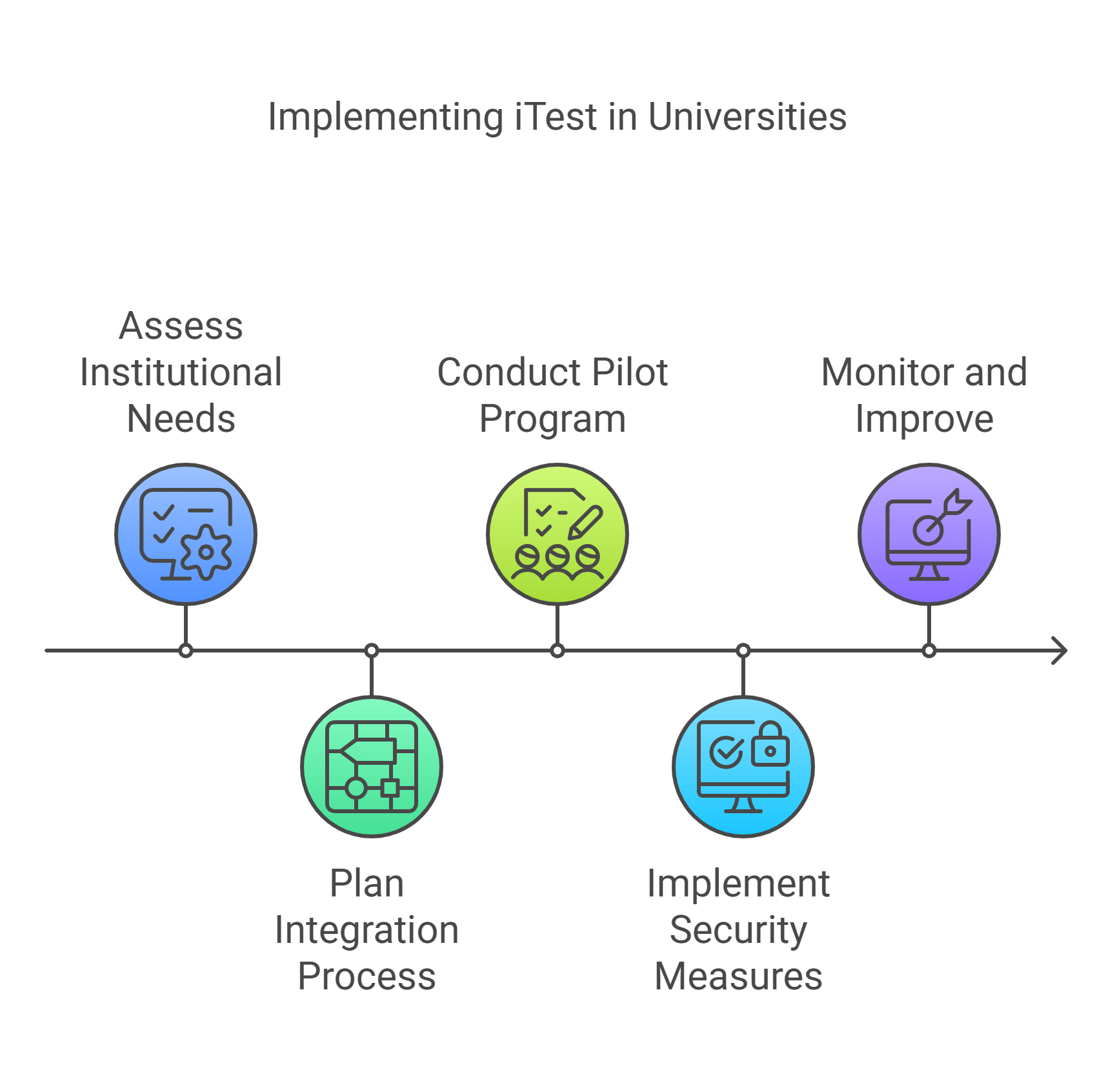
Step 1: Assess Your Institution’s Needs
Before implementing iTest, it’s crucial to evaluate your institution’s specific requirements. Ask yourself:
- What are the main challenges with your current examination system?
- Are you looking to improve exam security, streamline processes, or accommodate remote learning?
- What features are non-negotiable for your institution (e.g., browser lockdown, AI proctoring, real-time monitoring)?
By identifying these needs upfront, you can ensure that iTest aligns perfectly with your goals. Additionally, assess your existing infrastructure—such as internet bandwidth, hardware compatibility, and IT support—to determine if any upgrades are necessary.
Step 2: Plan the Integration Process
A smooth implementation starts with a solid plan. Collaborate with stakeholders—including faculty, IT staff, and administrators—to map out the integration process. Key considerations include:
- Timeline: Decide whether to roll out iTest in phases or implement it across all departments simultaneously.
- Training: Schedule training sessions for faculty and staff to familiarize them with iTest’s features (e.g., creating assessments, monitoring exams).
- Customization: Work with iTest’s support team to tailor the platform to your institution’s needs, such as randomizing questions or automating grading processes.
By involving all key players from the start, you’ll minimize resistance and ensure a smoother transition.
Step 3: Conduct a Pilot Program
Before launching iTest university-wide, test the system with a small group of students and faculty. A pilot program allows you to:
- Identify potential technical issues or user challenges early on.
- Gather feedback from participants about usability and performance.
- Fine-tune settings like exam formats, security measures, and reporting tools based on real-world usage.
For example, you can pilot iTest in one department or for a specific course before scaling up. Use this phase to address concerns and build confidence among stakeholders.
Step 4: Implement Robust Security Measures
One of iTest’s biggest advantages is its ability to maintain exam integrity through advanced security features. During implementation, ensure that these measures are fully operational:
- Browser Lockdown: Prevent students from accessing unauthorized websites during exams.
- AI Proctoring: Use real-time monitoring to detect suspicious behavior like screen sharing or unauthorized movements.
- Identity Verification: Ensure students verify their identity through facial recognition before starting exams.
Communicate these security protocols clearly to students so they understand the importance of academic honesty—and the consequences of misconduct.
Step 5: Monitor and Continuously Improve
Once iTest is live across your institution, it’s essential to monitor its performance and gather ongoing feedback from users. Here’s how:
- Review Exam Data: Analyze reports generated by iTest to identify trends in student performance and flag any anomalies.
- Address User Feedback: Regularly survey faculty and students about their experience with iTest and make adjustments as needed (e.g., improving interface usability).
- Stay Updated: Keep track of new features or updates from iTest that can enhance functionality further—such as adaptive testing or expanded question banks.
Continuous improvement ensures that iTest remains effective and aligned with your institution’s evolving needs.
Conclusion
Launching iTest in your university doesn’t have to disrupt exams or complicate processes. By following these five steps—assessing needs, planning integration, piloting the system, implementing security measures, and monitoring performance—you can ensure a seamless transition that benefits both students and educators.
Ready to take your exams to the next level? Schedule a demo with iTest today and see how it can transform online assessments at your university!